
Six Free GitHub Settings That Close the Easy Doors

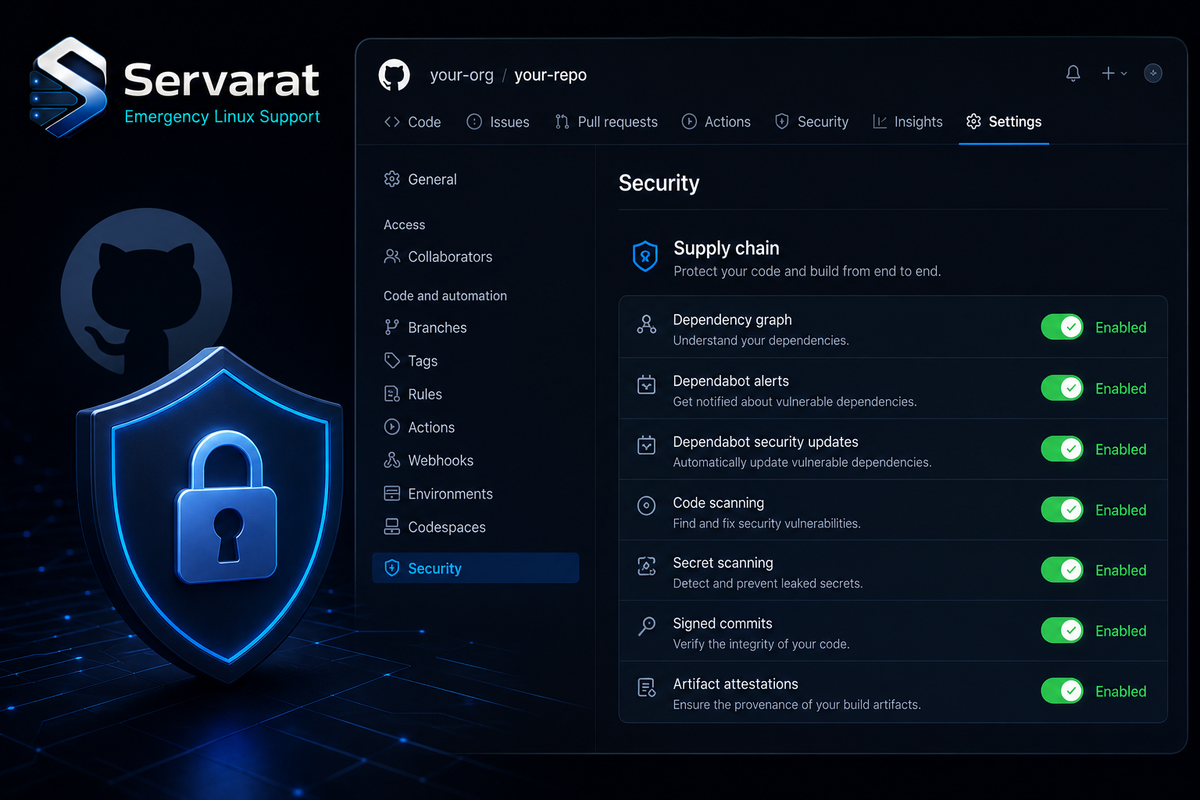
Most people maintaining an open source project weren't hired to be security engineers, and GitHub's security settings page is dense enough that it's easy to close the tab and move on. But leaving those settings untouched quietly stacks the deck against you: no automation, no scalability, and a slow pileup of the kind of exposure that turns into a real incident before you notice. GitHub Security Lab put together a short list of six settings — all free, all doable in under half an hour — that close the doors attackers are walking through right now while scripting across public repos at scale. Here's the rundown, plus the operational context that matters if you actually run infrastructure.
1. Add a SECURITY.md
The lightest lift on the list, and the one that makes everything else easier. A SECURITY.md tells people who find bugs where to send them. Without one, a well-meaning reporter's only options are a public issue — which is now a public exploit — or your personal email, if they can even find it.
You don't need much: a contact channel (an email works) so reporters can reach you privately, a statement of what's in scope, and anything else a reporter should keep in mind. The systemd project's security policy is a good reference for structure — it sets clear expectations about reproducers and doesn't pretend you have a 24/7 response team when you don't. Borrow the structure, swap the contact details, commit it. Ten minutes.
2. Turn On Private Vulnerability Reporting
SECURITY.md tells reporters where to go; private vulnerability reporting (PVR) gives them a private place to actually file. Once enabled, a researcher can open a confidential advisory on your repo, you triage it out of public view, and you disclose on your own timeline. It's one checkbox in Settings → Security.
⚠️ These first two belong together, and they're the ones to do tonight. The failure mode without them isn't hypothetical: a researcher who can't find a private channel either drops a public issue (instant 0-day for everyone watching your repo) or gives up and moves on, leaving the bug unreported and unfixed. Coordinated disclosure only works if there's a door to knock on. This is the same discipline that vulnerability-disclosure programs formalize at scale, and it starts with these two settings.
3. Secret Scanning, With Push Protection
This is the one with the most embarrassing failure mode, and the numbers are ugly. GitGuardian's State of Secrets Sprawl 2026 counted 28.65 million new secrets leaked on public GitHub in 2025 — a 34% jump year over year, the largest single-year increase on record. AI-assisted commits leak secrets at roughly twice the baseline rate. IBM's 2025 Cost of a Data Breach Report puts the global average breach at $4.44 million ($10.22 million in the US).
Secret scanning with push protection catches keys and tokens before they're pushed — blocking the commit locally rather than alerting you after the credential is already public. ⚠️ And public-vs-private doesn't save you here: once a secret leaves local development into any repo, it's reachable by anyone with access to that repo, and rotation is your only real remedy. This is exactly the failure that turned into a full codebase-exfiltration-and-extortion incident when a Grafana GitHub token leaked — I walked through that timeline in the Grafana GitHub token compromise, and push protection is precisely the control that stops it at the source.
⚠️ Push protection is a safety net, not a strategy. It catches the known token formats (AWS keys, GitHub PATs, common cloud credentials) via pattern matching, but it won't reliably catch a custom secret, a base64-wrapped blob, or a credential in an unusual format. Keep secrets out of the tree in the first place — environment injection, a secrets manager, .gitignore discipline — the same hygiene that keeps them out of your shell history, which I covered in keeping passwords and API keys out of bash history. Scanning is the backstop for when that discipline slips, not a substitute for it.
4. Dependabot and Dependency Review
Your project isn't just your code — it's the dozens or hundreds of packages your code pulls in. Dependabot alerts you when a dependency has a known vulnerability. Dependency review shows you, inside a pull request, exactly what's being added or upgraded and whether any of it carries an open advisory, turning an opaque lockfile diff into a two-minute review.
⚠️ Alerts are only worth as much as your response to them. Dependabot's well-known failure mode is alert fatigue: enable it on a repo with a stale dependency tree and you'll get a wall of PRs, most of which sit ignored — which is worse than nothing, because now you're trained to dismiss them. Pair it with the inventory discipline that actually tells you what you're shipping. A software bill of materials is the other half of this: Dependabot tells you a dependency is vulnerable, an SBOM tells you every place that dependency is actually embedded across your artifacts, which is what turns an alert into a scoped remediation instead of a guessing game. This is the same supply-chain reasoning behind the broader container security best practices worth building into any pipeline.
5. Code Scanning
Code scanning runs static analysis and flags the patterns behind real bugs — SQL injection, command injection, unsafe deserialization, the usual cast — and CodeQL can also catch unsafe GitHub Actions workflows, which is an underrated vector as CI becomes a bigger target.
This is the setting most maintainers skip because it sounds like it needs configuration. It doesn't: default setup picks the right query pack for your language and runs on every pull request. ⚠️ The realistic caveat is signal quality — static analysis produces false positives, and a wall of low-confidence findings gets ignored as fast as noisy Dependabot alerts. Treat the first few weeks as tuning: triage honestly, dismiss what's genuinely not applicable with a reason, and let the real findings surface. Practical SAST is less about turning it on and more about curating what it tells you, the same lesson I hit running OWASP CVE-lite against a real app — the tool's output is a starting point, not a verdict.
6. Branch Protection on Your Default Branch
The simplest, least flashy setting, and the one with the biggest immediate payoff: require a pull request with at least one approval before anything merges to main.
This catches the worst cases — a compromised credential, a confused contributor, or a tired version of you pushing straight to production at 2 a.m. ⚠️ It's also what makes the other five actually bite. Without branch protection, Dependabot alerts and code-scanning findings are advisory — they sit in a tab you never open. With it, they become merge-blocking gates. A finding that blocks a merge gets fixed; a finding in a notification that's fixed. This is the setting that converts the other five from "dashboards you ignore" into "controls that enforce."
The Honest Framing
None of this makes your project unhackable — nothing does. What these six settings do is close the easy doors, the ones being walked through right now by people scripting across public repos at scale. Turn them on and your project is meaningfully harder to attack than it was this morning, and so is every project that depends on it — which, if you maintain anything others pull in, is the part that matters most.
For an infrastructure engineer, the framing worth keeping is that these are supply-chain controls, not "GitHub housekeeping." The same logic you apply to hardening a server — reduce attack surface, gate the privileged paths, inventory what you're actually running, and make your alerts enforce rather than inform — applies to the repos that build and ship your infrastructure. The doors are free to close. Close them.
References
- GitHub Security Lab: Six Settings to Protect Your Project (source)
- GitHub Docs: Adding a Security Policy (SECURITY.md)
- GitHub Docs: Private Vulnerability Reporting
- GitHub Docs: Secret Scanning Push Protection
- GitHub Docs: About Dependabot
- GitHub Docs: CodeQL Code Scanning
- GitGuardian: State of Secrets Sprawl 2026
- IBM: Cost of a Data Breach Report 2025



