
Static IP and DNS with Netplan on Ubuntu 26.04

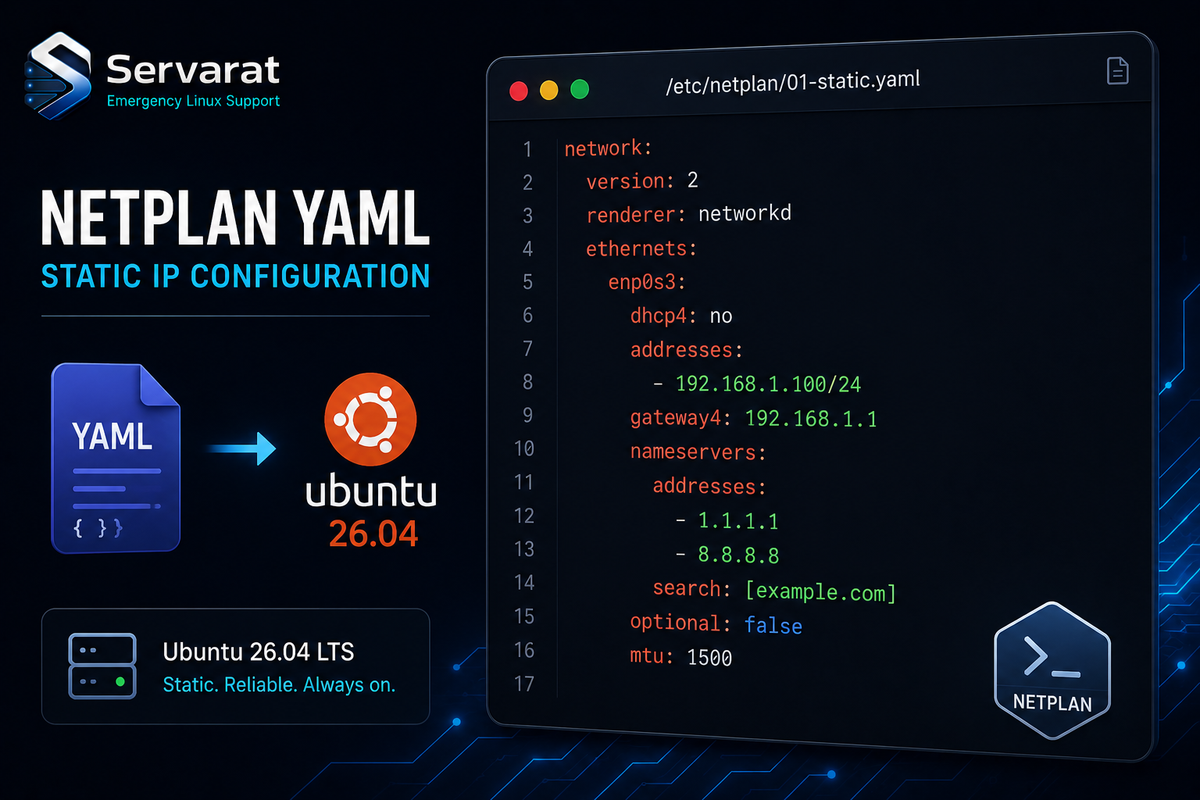
Ubuntu 26.04 keeps Netplan as the default network layer, YAML files under /etc/netplan/, rendered to either systemd-networkd or NetworkManager. Nothing dramatic changed from earlier releases, but a few sharp edges still catch people, and one of them will disconnect you from a remote box mid-SSH if you're careless. Here's the static IP, DNS, and the safety habit that matters, without the hand-holding.
How Loading Actually Works
Files in /etc/netplan/ load alphabetically and merge, so 00-installer-config.yaml applies before 01-custom.yaml, and later files override earlier keys. netplan apply reads them all, merges, and generates the real config under /run/systemd/network/ (for networkd) or hands it to NetworkManager.
⚠️ Never edit anything under /run/ — it's regenerated on every reboot or apply, so your changes vanish. All edits go in /etc/netplan/.
⚠️ YAML whitespace is unforgiving: spaces only, 2 per level, a single tab breaks the parse. Validate before applying, not after you've lost the session.
Inspect First
ip addr show
ls /etc/netplan/
What you find tells you which environment you're in. A bare-metal or local VM install from the installer gives you 00-installer-config.yaml. A cloud image (Hetzner, DigitalOcean, AWS, Contabo, OVH) almost always gives you 50-cloud-init.yaml instead, and that distinction changes how you proceed.
The cloud-init Trap, and the Actual Fix
On VPS and cloud images, networking is managed by cloud-init, which writes 50-cloud-init.yaml:
network:
  version: 2
  ethernets:
    enp1s0:
      dhcp4: true
Every guide tells you "don't edit this file, cloud-init overwrites it." True, but "don't edit it" isn't a fix — you still need static networking. ⚠️ If you just drop a 99-custom.yaml next to it, cloud-init's file still loads and its DHCP directive can fight your static config depending on key merge order. The reliable fix is to disable cloud-init's network management entirely, then own the config yourself.
- Tell cloud-init to stop managing the network:
echo 'network: {config: disabled}' | sudo tee /etc/cloud/cloud.cfg.d/99-disable-network-config.cfg
- Remove the cloud-init-generated netplan file so it can't interfere:
sudo rm /etc/netplan/50-cloud-init.yaml
- Write your own config (next section) as
/etc/netplan/01-netcfg.yaml.
⚠️ Do steps 2 and 3 in one sitting before rebooting — deleting the cloud-init file without a replacement leaves the box with no network config on next boot. On a remote VPS that's a lockout requiring console/rescue access.
Static IP Configuration
Write this to /etc/netplan/01-netcfg.yaml, adjusting interface, addresses, gateway, and DNS:
network:
  version: 2
  renderer: networkd
  ethernets:
    enp1s0:
      dhcp4: false
      addresses:
        - 192.168.1.100/24
      routes:
        - to: default
          via: 192.168.1.1
      nameservers:
        addresses:
          - 1.1.1.1
          - 8.8.8.8
The parts that matter on 26.04:
routes:withto: defaultis the current syntax. The oldgateway4:is deprecated and gone — if you're copying an older config, this is the line that'll bite you.addressesis CIDR (/24=255.255.255.0).renderer: networkdis the server default, but declaring it explicitly makes the config predictable rather than dependent on what's installed.- Multiple
nameservers.addressesare tried in order for redundancy.
⚠️ chmod 600 your netplan files. As of recent Netplan versions you'll get a permissions warning on world-readable configs, and on cloud images the default perms are often too open. Fix it:
sudo chmod 600 /etc/netplan/01-netcfg.yaml
Apply Without Locking Yourself Out
This is the one habit that separates people who've been burned from people who are about to be. On any remote box, never go straight to netplan apply. Use:
sudo netplan try
It applies the config temporarily and auto-reverts after 120 seconds unless you press ENTER to confirm. If your static IP config has a typo that kills the interface, you lose SSH, do nothing, and 120 seconds later the box rolls back to the working config and your session recovers.
⚠️ One caveat with netplan try people miss: if the config change itself drops your SSH session, you can't press ENTER to confirm even if the config is actually fine (e.g. you legitimately changed the server's IP). In that specific case try will revert a working change. For an intentional IP change where you'll reconnect on the new address, try isn't the right tool — schedule it with an at-job rollback instead, or have console access ready. For everything else, try is the default.
Once confirmed good:
sudo netplan apply
Silent success. On a YAML error it stops and prints the exact file and line.
Verify
ip addr show enp1s0
Look for valid_lft forever — that's the tell it's static, not a DHCP lease with a countdown.
ip route show
You want a default via 192.168.1.1 line. If it's missing, your routes: block is wrong — check indentation and the gateway IP.
DNS and Search Domains
Netplan hands DNS to systemd-resolved. Add search domains so short hostnames resolve:
network:
  version: 2
  renderer: networkd
  ethernets:
    enp1s0:
      dhcp4: false
      addresses:
        - 192.168.1.100/24
      routes:
        - to: default
          via: 192.168.1.1
      nameservers:
        search:
          - corp.example.com
          - example.com
        addresses:
          - 192.168.1.53
          - 1.1.1.1
Now ssh webserver resolves as webserver.corp.example.com — the system appends each search domain until one matches. Genuinely useful in a home lab or internal network where typing FQDNs gets old.
Verify resolved actually picked it up:
resolvectl status enp1s0
Check that DNS Servers and DNS Domain match your YAML. ⚠️ resolvectl status is the right check here, not cat /etc/resolv.conf — on systemd-resolved systems that file points at a stub resolver (127.0.0.53) and won't show your real upstreams, which confuses people into thinking their DNS config didn't apply when it did.
Beyond the Basics
For anything past a single interface — bonds, bridges, VLANs — Netplan handles it in the same YAML, and this is where it earns its keep on real infrastructure. If you're running Proxmox on Hetzner with routed subnets, the Netplan (or systemd-networkd) config for the guest side is exactly this pattern extended, which I covered in depth in the Hetzner networking on Proxmox per-distro guide. And the class of mistakes that bites hardest on virtualized hosts — bridge vs. bond ordering, MTU mismatches, the gateway-on-the-wrong-interface trap — I collected in Proxmox network config gotchas. If you're standing up 26.04 specifically, the Ubuntu 26.04 changes worth knowing are worth a skim first.
The Netplan basics are boring on purpose. The value is knowing the three things that actually cause outages: cloud-init overriding your static config, YAML whitespace killing the parse, and applying a broken config over SSH with no rollback. Handle those and Netplan stays out of your way.



