Self-Hosting Obsidian Sync With CouchDB: The Setup and the Three Things That Broke

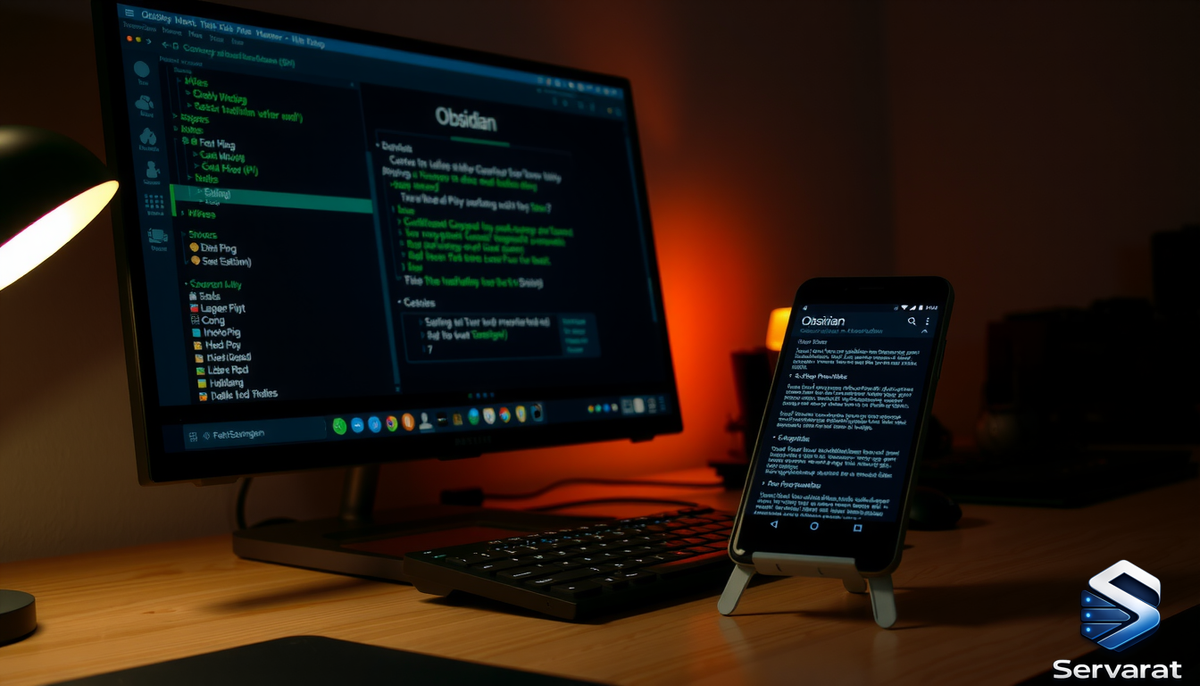
I moved my Obsidian vault off Obsidian Sync and onto my own box about a year ago, and I've never looked back. The plugin that makes it work — Self-hosted LiveSync — talks to a CouchDB backend, gives you real-time sync across desktop and phone, and end-to-end encrypts everything before it leaves the device. No subscription, no third party holding your notes.
The catch: CouchDB is fiddly to stand up the first time, and LiveSync has a couple of failure modes that don't announce themselves. Desktop works fine, phone silently refuses to connect, and you spend an hour staring at a green status bar wondering what's wrong. I hit all of them. This walks through the build I actually run, then the three problems that cost me real time and how to fix each one.
What you need
- A server you control with Docker and a reverse proxy already in place (I run Nginx on an OVH dedicated box).
- A subdomain pointed at it. Mine is
couchdb.servarat.net. - A TLS cert. LiveSync on mobile will not talk to plain HTTP, so this isn't optional.
CouchDB itself sips RAM — around 200MB idle — so it slots in next to whatever else you're already running.
The CouchDB container
Keep the compose file and its config in the same directory. I made the mistake of dropping the data dir under /opt while the compose lived under /root, and every time I came back to it months later I had to re-derive where things were. Pick one path and commit.
/opt/obsidian-couchdb/docker-compose.yml:
services:
  couchdb:
    image: couchdb:3
    container_name: obsidian-couchdb
    restart: unless-stopped
    environment:
      - COUCHDB_USER=obsidian
      - COUCHDB_PASSWORD=CHANGE_ME_LONG_RANDOM
    volumes:
      - ./data:/opt/couchdb/data
      - ./config/livesync.ini:/opt/couchdb/etc/local.d/livesync.ini
    ports:
      - "127.0.0.1:5984:5984"
Two deliberate choices there. The port binds to 127.0.0.1 only — CouchDB never touches the public interface directly; Nginx is the only thing that can reach it. And the config lives in local.d/, which CouchDB merges on top of its defaults at boot. That's where CORS goes, and CORS is where the first real problem lives (more below).
/opt/obsidian-couchdb/config/livesync.ini:
[couchdb]
single_node = true
max_document_size = 50000000

[chttpd]
require_valid_user = true
max_http_request_size = 4294967296

[chttpd_auth]
require_valid_user = true

[httpd]
WWW-Authenticate = Basic realm="couchdb"
enable_cors = true

[cors]
credentials = true
origins = app://obsidian.md,capacitor://localhost,http://localhost
headers = accept, authorization, content-type, origin, referer
methods = GET, PUT, POST, HEAD, DELETE
max_age = 3600
Bring it up:
cd /opt/obsidian-couchdb && docker compose up -d && sleep 15
The Nginx vhost
Standard reverse proxy with one line that matters more than the rest:
server {
    listen 443 ssl http2;
    server_name couchdb.servarat.net;

    ssl_certificate     /etc/letsencrypt/live/couchdb.servarat.net/fullchain.pem;
    ssl_certificate_key /etc/letsencrypt/live/couchdb.servarat.net/privkey.pem;
    include /etc/letsencrypt/options-ssl-nginx.conf;

    client_max_body_size 4G;

    location / {
        proxy_pass http://127.0.0.1:5984;
        proxy_set_header Host $host;
        proxy_set_header X-Real-IP $remote_addr;
        proxy_set_header X-Forwarded-For $proxy_add_x_forwarded_for;
        proxy_set_header X-Forwarded-Proto $scheme;
        proxy_read_timeout 600s;
    }
}

server {
    listen 80;
    server_name couchdb.servarat.net;
    return 301 https://$host$request_uri;
}
client_max_body_size 4G is the line. Skip it and you'll get a 413 Request Entity Too Large the moment LiveSync tries to push anything bigger than Nginx's 1MB default — which it will, the first time you sync a folder with images or PDFs in it. Reload after editing:
nginx -t && systemctl reload nginx
Issue the cert if you haven't:
certbot --nginx -d couchdb.servarat.net
Problem one: CouchDB starts but the system databases never get created
This is the most confusing one because nothing errors out. The container is healthy, you can hit it with curl, and LiveSync on desktop might even connect — but replication behaves strangely and mobile won't work at all.
CouchDB needs three internal databases (_users, _replicator, _global_changes) before it functions as a real node. When you set COUCHDB_USER and COUCHDB_PASSWORD via env, the official image is supposed to run single-node setup automatically on first boot and create them. Sometimes it doesn't fire — usually if the data volume already existed from a half-finished earlier attempt.
Check what you've got:
curl -fsS -u obsidian:YOUR_PASSWORD http://127.0.0.1:5984/_all_dbs
If that returns [] or is missing _users, _replicator, and _global_changes, setup didn't complete. Finish it by hand:
curl -fsS -u obsidian:YOUR_PASSWORD -X POST http://127.0.0.1:5984/_cluster_setup -H "Content-Type: application/json" -d '{"action":"finish_cluster"}'
Re-run the _all_dbs check. You should now see the three system databases. This is a one-time fix — once those exist, they persist in the data volume.
Problem two: desktop syncs perfectly, the phone connects to nothing
This one ate the most time, because the symptom points you in the wrong direction. You assume it's the phone, or the network, or the cert. It's none of those. It's CORS.
The Obsidian desktop app makes requests from a context CouchDB doesn't subject to CORS checks. The mobile app runs inside a Capacitor webview and sends an Origin header CouchDB will reject unless you've explicitly allowed it. With no CORS config, the desktop sails through and the phone gets blocked — and LiveSync surfaces this as a vague connection failure rather than a CORS error, so you never think to look.
The [cors] block in the ini above is the fix. The critical origins are app://obsidian.md (desktop) and capacitor://localhost (mobile). Confirm it actually took after the container restarted:
curl -fsS -u obsidian:YOUR_PASSWORD http://127.0.0.1:5984/_node/_local/_config/cors
⚠️ If you ever rebuild the container or restore from backup and forget to bring the CORS config back, mobile breaks again exactly the same silent way. It's the first thing I check now whenever the phone "just stops syncing."
Problem three: the E2E passphrase you set is permanent (sort of)
Not a bug — a design decision that bites if you don't know it going in. LiveSync encrypts your vault client-side before upload. The passphrase that does this is never sent to the server; CouchDB only ever holds ciphertext. That's exactly what you want for privacy, and it's exactly why losing the passphrase means your notes are unrecoverable, full stop. No reset, no admin override.
Two practical consequences:
- Set the passphrase before your first sync, and store it somewhere independent of the server. I keep mine alongside the handful of other irreplaceable secrets — the kind you write on paper and put in a safe, not the kind you trust to a single password manager that itself lives on the same box.
- Changing the passphrase later forces a full re-sync of every device. The old ciphertext can't be re-keyed in place. It's not the end of the world on a small vault, but plan for it rather than discovering it mid-workday.
Connecting your devices
On each device: install Self-hosted LiveSync from community plugins, open its settings, and point the remote at https://couchdb.servarat.net with your CouchDB user, password, and database name (obsidian). Enter the E2E passphrase. Run the setup wizard, then trigger a manual "Replicate now."
One thing worth setting deliberately: the sync mode. I run LiveSync (real-time) on the desktop and On events on the phone. Mobile operating systems aggressively suspend background apps, so a persistent real-time socket on the phone is mostly theatre — the OS kills it within minutes of backgrounding. "On events" syncs when you open the app and when you make changes, which is what actually happens on a phone anyway.
This also explains a behaviour that looks like a bug but isn't: create a note on the phone and it shows up on the desktop fairly quickly, but delete a note on the phone and it lingers on the desktop. The deletion is sitting in the phone's local database as a tombstone, waiting for the next replication round — which won't happen until you foreground Obsidian on the phone again. Open the app, let it sync, and the delete propagates. Not slowness, just mobile suspension doing its thing.
Hardening notes
A few things worth doing while you're in here, since this box now holds an always-on database reachable over the internet:
require_valid_user = true(already in the ini) forces auth on every request. Without it, anyone who finds your endpoint can enumerate databases. Non-negotiable for an exposed instance.- Keep the CouchDB port bound to
127.0.0.1. The reverse proxy should be the only path in. If you've got CSF or UFW, confirm 5984 isn't open to the world. - Back up logically, not just the data dir. A
_bulk_docsdump over HTTP gives you a portable, restorable copy. Tarring the rawdata/directory works too but is more fragile across CouchDB versions. Either way, the backup is still ciphertext — useless without that E2E passphrase, which is one more reason to guard it. - Use a Fail2ban jail if your CouchDB log shows auth failures from the internet. Same pattern as any other exposed auth endpoint.
That's the whole setup. The build itself is twenty minutes. The three gotchas — unfinished single-node setup, missing CORS, and the passphrase trap — are what turn it into an afternoon if you don't know they're coming. Now you do.
References
- Obsidian — download — desktop and mobile clients for every platform.
- Self-hosted LiveSync — GitHub repo by vrtmrz. The plugin itself; install it from Obsidian's Community Plugins browser rather than manually.
- LiveSync — README — feature overview and the all-important warning to back up your vault and disable any other sync (iCloud, Obsidian Sync) before enabling it.
- LiveSync — Quick Setup guide — covers the setup wizard and the setup-URI flow, which is the fastest way to clone your config to a second device without retyping everything.
- CouchDB — official site and documentation — reference for the
[cors],[chttpd], andsingle_nodesettings used above. - CouchDB — official Docker image — the
couchdb:3image this guide is built on, including theCOUCHDB_USER/COUCHDB_PASSWORDfirst-boot behaviour.