npm v12 Disables Auto-Run Install Scripts: What Linux and DevOps Teams Need to Do

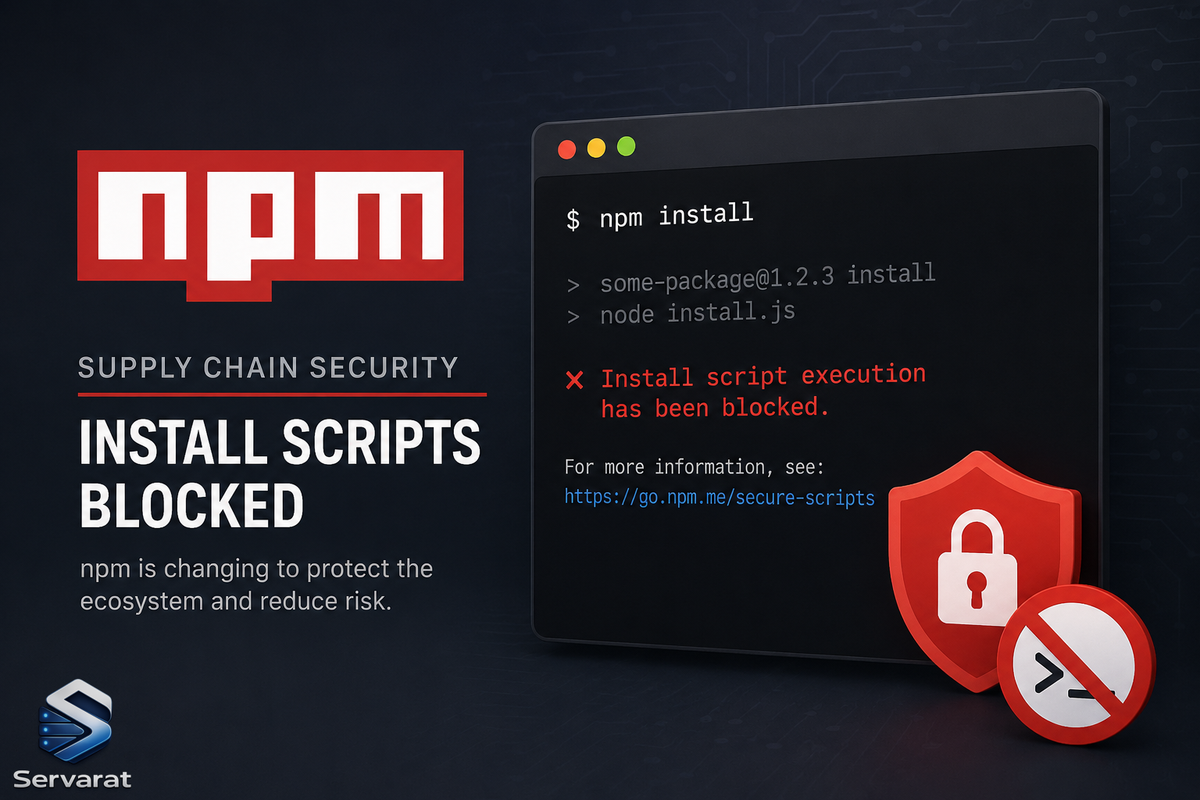
The Default That Caused Years of Supply Chain Attacks Is Finally Changing
With npm v12, dependency preinstall, install, and postinstall scripts will no longer execute automatically during package installation. Script execution will require explicit approval through new controls like npm approve-scripts. The change is expected to arrive in July 2026.
This targets a part of the software supply chain that keeps showing up in package registry abuse, credential theft, and CI/CD compromise investigations. A single npm install could trigger code from direct dependencies, transitive packages, Git repositories, and build hooks—all before anyone reviewed what was about to run. On Linux, that execution often happens on developer workstations, build servers, containers, and self-hosted runners that already hold access to production resources.
This is more than a JavaScript ecosystem update. It's a change to how code execution is handled during dependency installation. Teams relying on install-time compilation, binary downloads, or package setup scripts will need to adjust workflows. Linux administrators and DevOps teams will need to find where automatic execution is currently embedded in their build and deployment pipelines.
npm install Was Never Just an Install Command
A surprising number of developers still think of npm install as a download operation. In practice, npm has long treated package installation as an execution event.
Several lifecycle hooks run automatically during installation: preinstall, install, postinstall, and prepare. Packages use these to compile native modules or download binaries. But this execution is opaque—a package may pull in hundreds of transitive dependencies, each with its own scripts. Code from unknown maintainers can execute on your system without review.
On Linux, this execution frequently happens inside infrastructure that holds SSH keys, cloud credentials, and deployment secrets: CI pipelines, container build stages, self-hosted runners. A malicious install script doesn't need a complicated exploit chain if it's already running with access to those resources. The risk has never been theoretical. Once installation begins, the script runs with the permissions available to the process that launched it.
Why the Default Is Changing Now
This decision didn't arrive suddenly. Malicious packages have used install scripts to collect credentials, fingerprint systems, download secondary payloads, and exfiltrate secrets for years.
The common theme is simple: installation became a trusted execution path. npm treated installation and code execution as closely connected operations. That made development convenient, but it also meant downloading a dependency frequently meant running code before developers had any chance to review it.
From an incident response perspective, install-time execution is difficult to track. Because the activity mimics a legitimate package manager during routine builds, it blends into normal workflow noise. Disabling execution by default aims to fix exactly that detection gap.
What npm v12 Actually Changes
Install scripts disabled by default
Dependency lifecycle scripts no longer execute automatically during installation. Packages depending on these scripts require explicit approval. The package still installs—the script just stays dormant. This finally separates dependency retrieval from dependency execution.
Teams must explicitly approve scripts
Instead of trusting every package by default, teams decide which packages are allowed to execute install-time scripts:
npm approve-scriptsandnpm deny-scriptsmanage these approvals- The
allowScriptsfield inpackage.jsonlets organizations identify and authorize required scripts before v12 becomes the default
For many teams, the first test run will reveal dependencies they didn't realize were executing code during installation. That visibility alone has operational value.
Tighter controls on Git dependencies
Git-based dependencies introduce risk because their contents can change independently of registry workflows. npm v12 will likely push more organizations to inventory and justify these dependencies.
Why This Matters for Linux and CI/CD Pipelines
Linux systems sit at the center of modern software delivery, where install scripts often perform their most dangerous work.
Developer workstations: Scripts run with the permissions of the logged-in user—and may access SSH keys, cloud credentials, and local .env files.
CI/CD runners: High-value targets containing deployment credentials, signing keys, and internal repository access.
Containers and native modules: Whether it's a RUN npm install in a Dockerfile or a package requiring node-gyp for native compilation, these execution-heavy workflows will now require explicit approval.
The Security Benefit vs. the Operational Cost
The immediate security benefit: a reduction in automatic code execution. A compromised dependency can no longer assume its installation script runs automatically on every target system.
The operational impact is real:
- Build pipelines will break
- Native modules may fail to compile
- Packages that download binaries may stop working until approvals are configured
- CI workflows that assumed unrestricted execution will need updates
⚠️ Organizations that have never reviewed their dependency scripts may discover how heavily they depend on them. That discovery is uncomfortable, but useful.
Does This Stop Supply Chain Attacks?
No. Attackers still have plenty of options: typosquatting, dependency confusion, compromised maintainer accounts. This change doesn't stop supply chain attacks—it closes one of the most convenient execution paths available to attackers. The risk doesn't disappear; the timing changes. Code arrives, but it no longer runs the moment it lands.
How to Prepare for npm v12
- Test builds with npm 11.16.0 or newer to identify packages that trigger install-script warnings before v12 becomes the default.
- Review script approvals before allowlisting. A package that compiles native code has an understandable reason. A package performing unrelated network activity during install deserves scrutiny.
- Audit Dockerfiles and CI pipelines to determine whether dependency installation occurs in privileged stages.
- Inventory Git dependencies. Removing unnecessary remote dependencies cuts another source of install-time uncertainty.
⚠️ Security implication: The teams most exposed here are the ones who've never audited install-time behavior. If your CI runners hold long-lived cloud credentials or signing keys, a single malicious postinstall in a transitive dependency already had everything it needed. Use the v12 migration as a forcing function to move those runners to short-lived, scoped credentials (OIDC federation, ephemeral tokens) regardless of the npm change.
The Bigger Pattern: Download-and-Execute
The larger lesson extends beyond JavaScript. Container builds, bootstrap tools, curl | bash installers—the "download-and-execute" pattern is pervasive across Linux environments.
The mechanism changes, but the core assumption stays the same: code arrives and is immediately granted permission to run. npm v12 pushes the ecosystem toward a different default, where installation and execution become separate decisions again.
For Linux environments specifically, this matters because npm rarely runs in isolation. It runs on systems that often hold credentials capable of reaching production infrastructure. After years of incidents tied to install-time behavior, npm is finally treating installation and execution as separate actions.
References
- LinuxSecurity: npm v12 to Disable Install Scripts by Default (Source)
- npm CLI Documentation: Scripts
- npm Documentation: package.json Configuration
- Node.js Security Best Practices
- OpenSSF: Supply Chain Security Guidance
- GitHub Actions: OIDC for Keyless Authentication
- MITRE ATT&CK: Supply Chain Compromise (T1195.001)